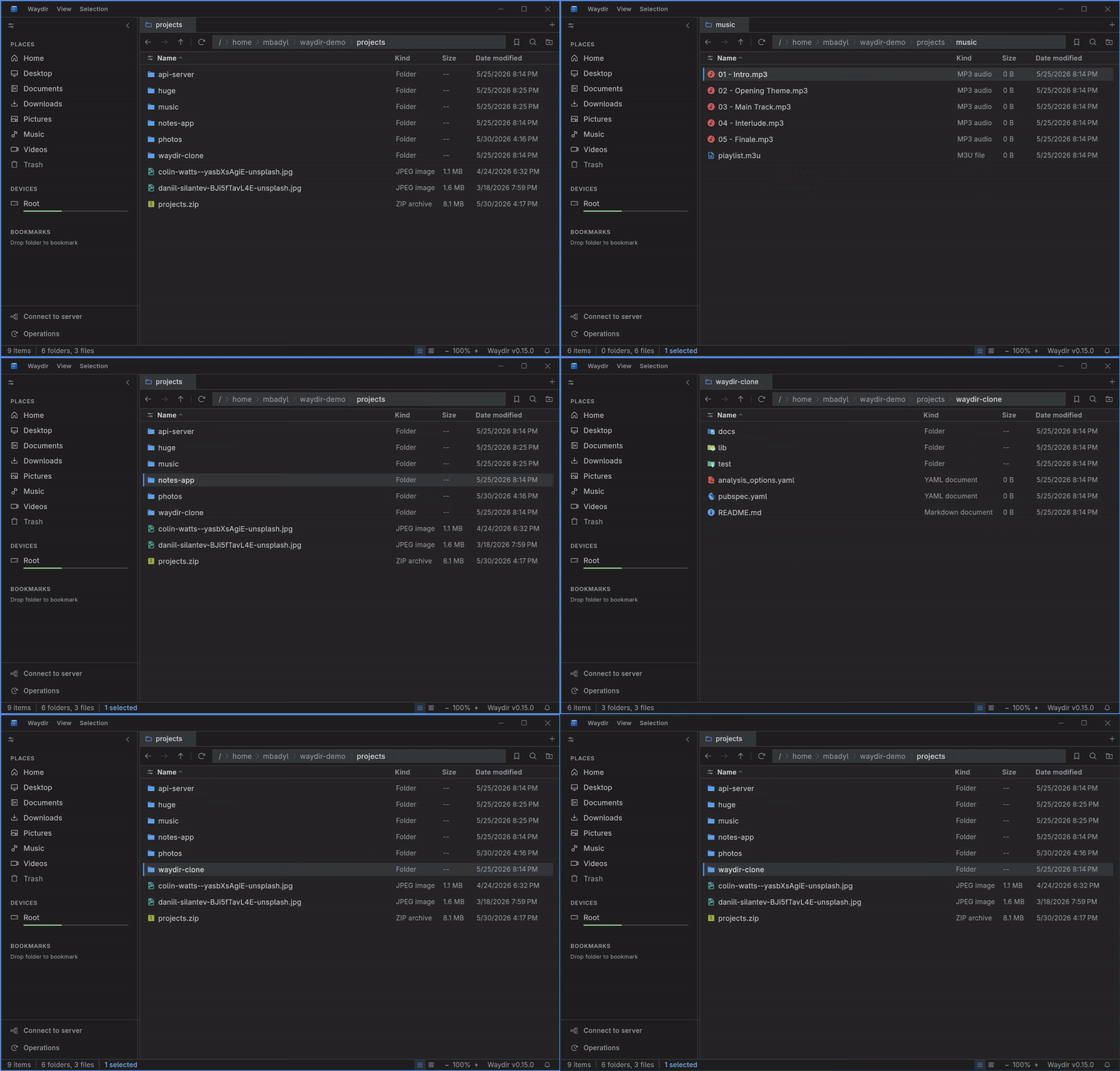
Keyboard-driven navigation
Move, select, open, copy, search, and switch panes without reaching for the mouse.
 Waydir
 Waydir is a cross-platform desktop file manager for Linux, Windows, and macOS. It combines dual-pane navigation, tabs, network drives, Quick Look, and live search in a fast Flutter UI.
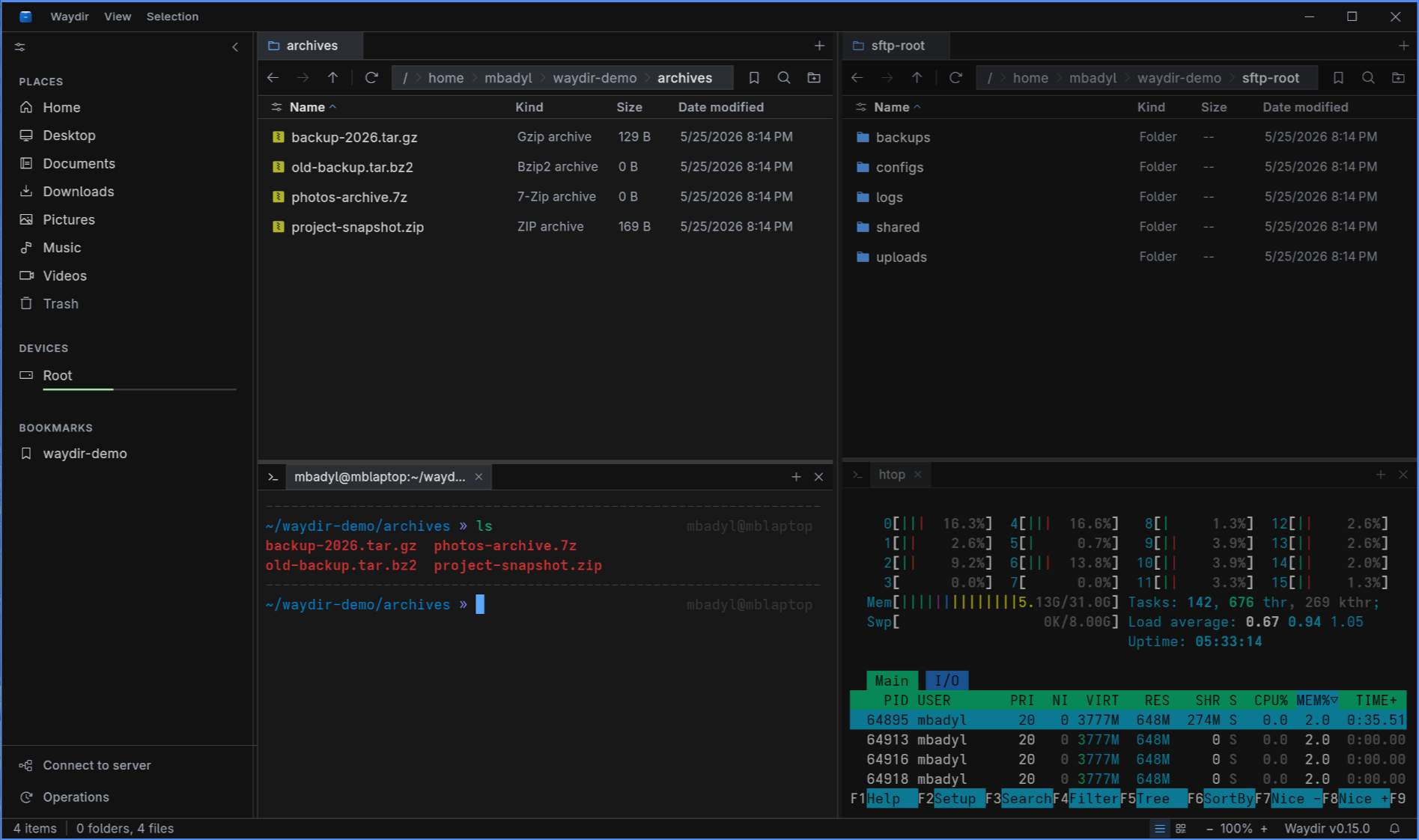
Navigation, copying, previews, search, remote drives, archives. Most of it captured from the actual app.
Move, select, open, copy, search, and switch panes without reaching for the mouse.
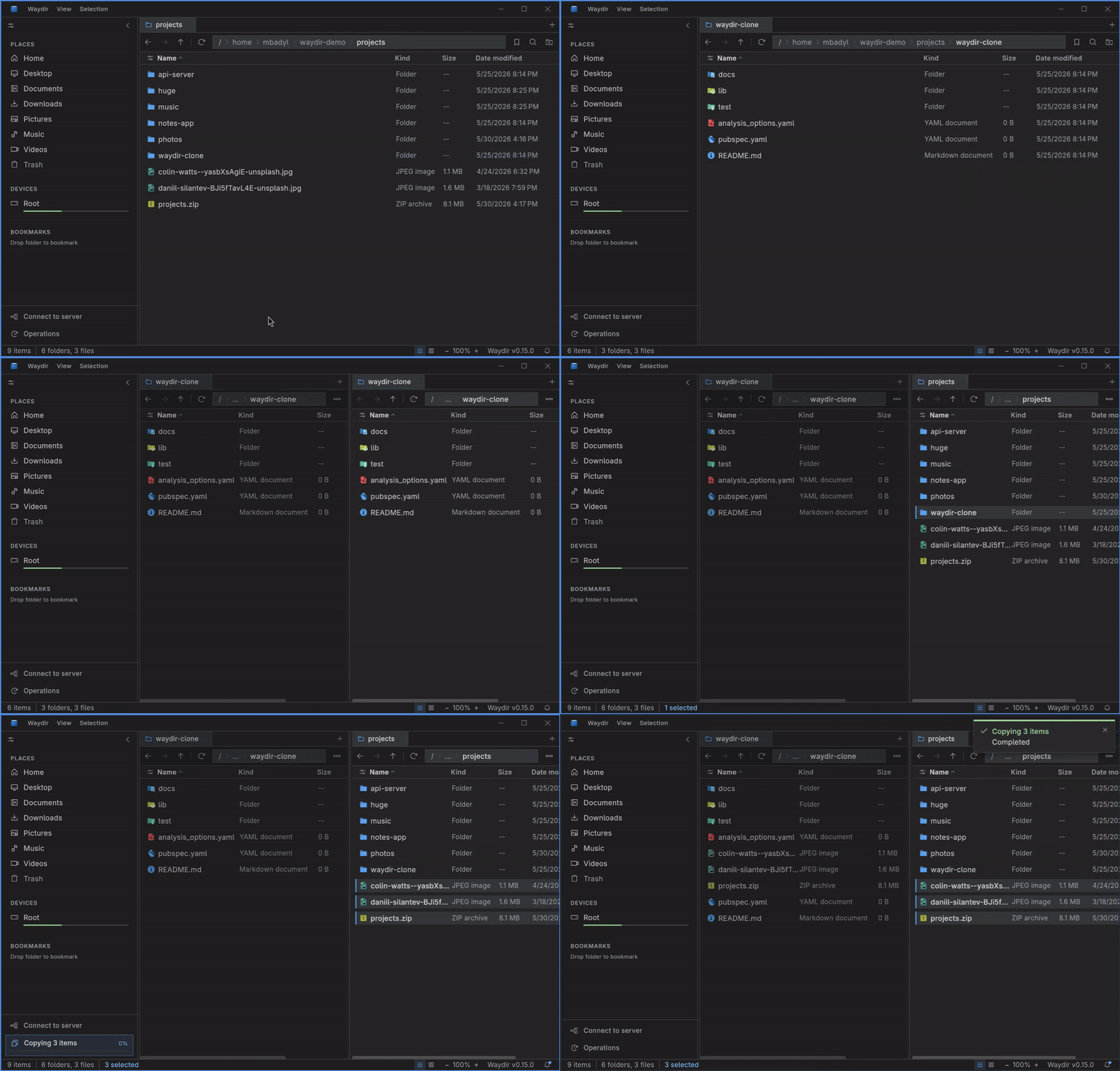
Side-by-side source and destination panes make file transfers explicit and quick.
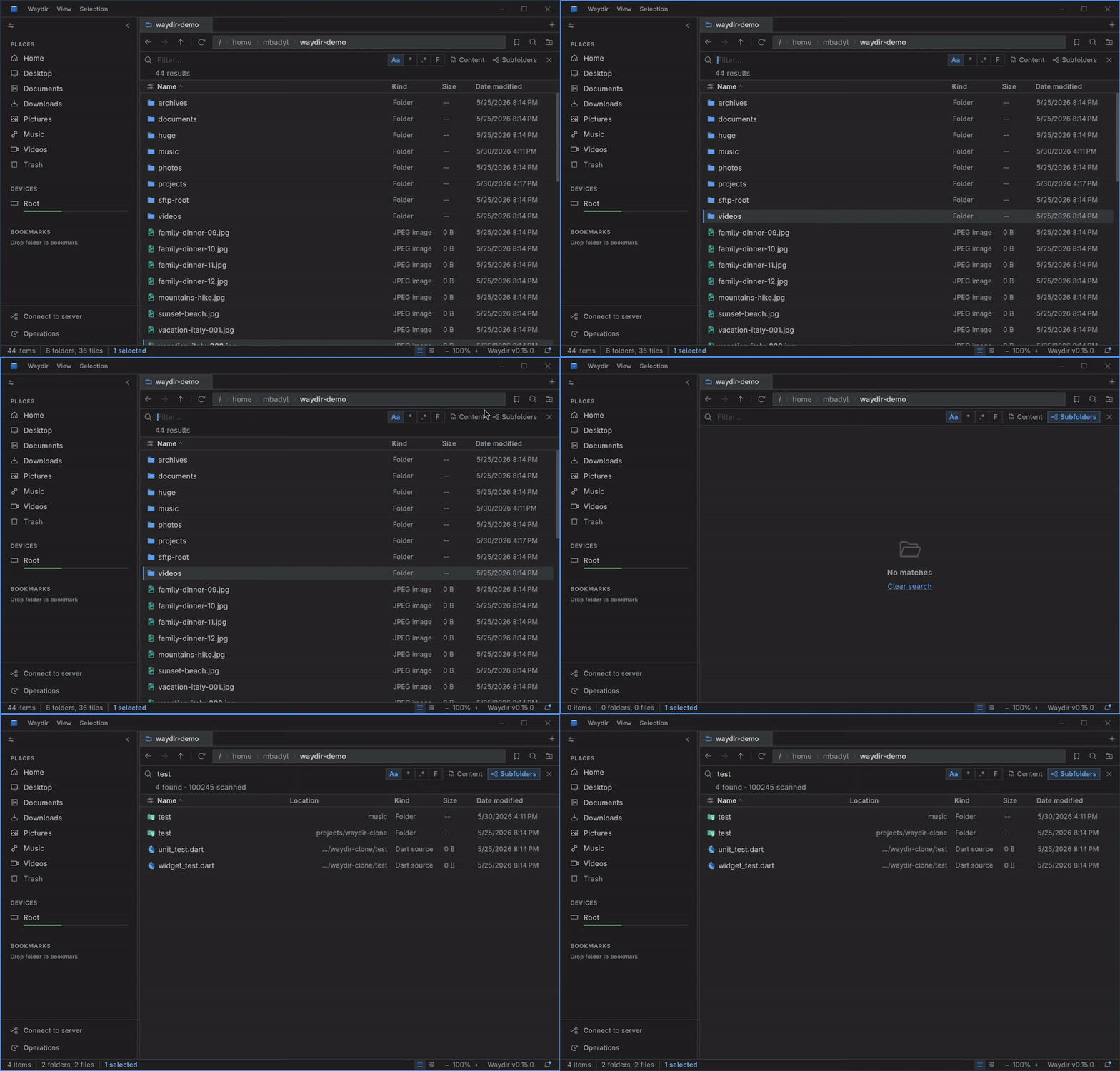
Results stream in while folders are still being scanned, with substring, regex, and glob matching.
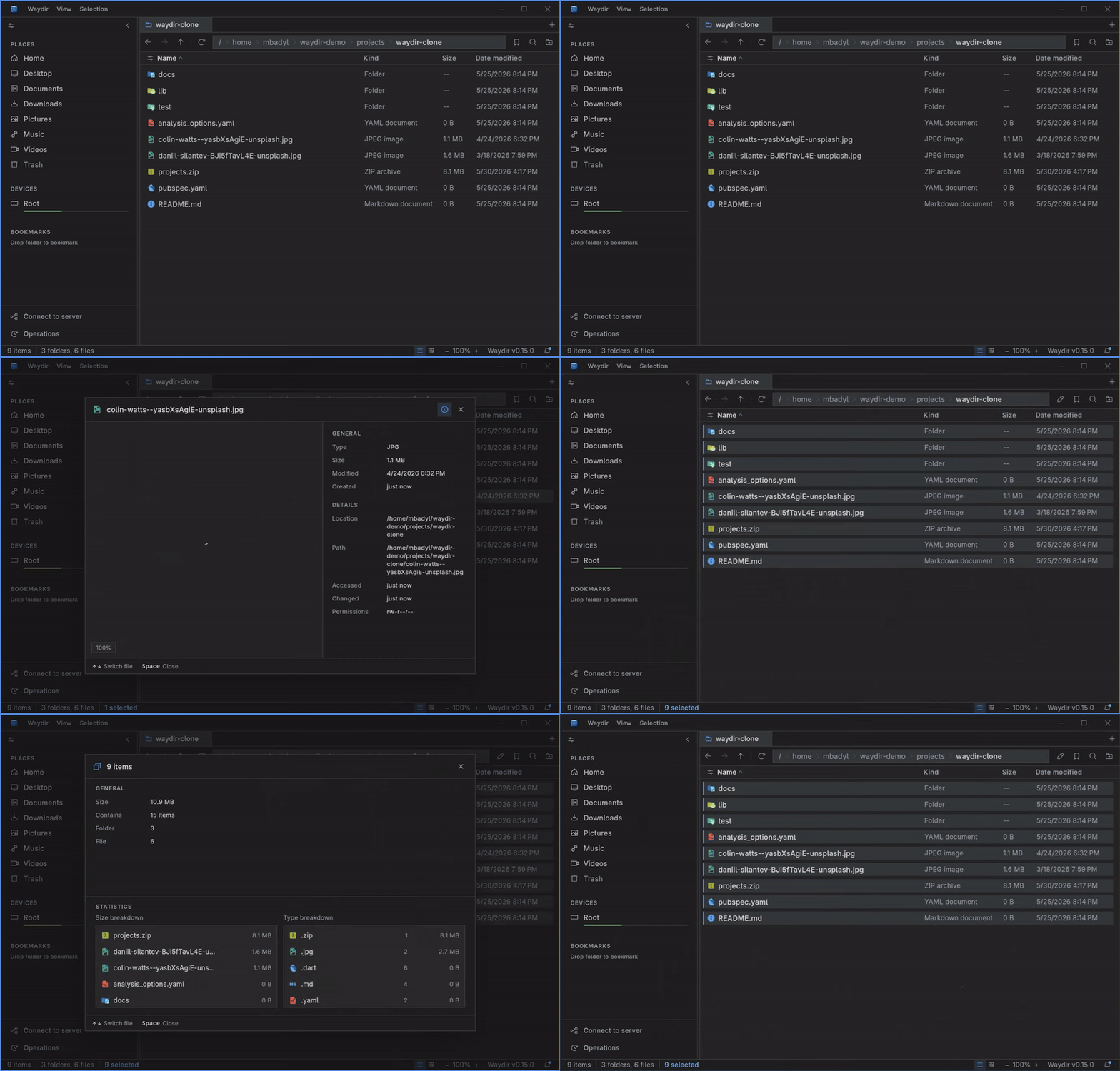
Preview images, text, and code on Space before opening a separate app.
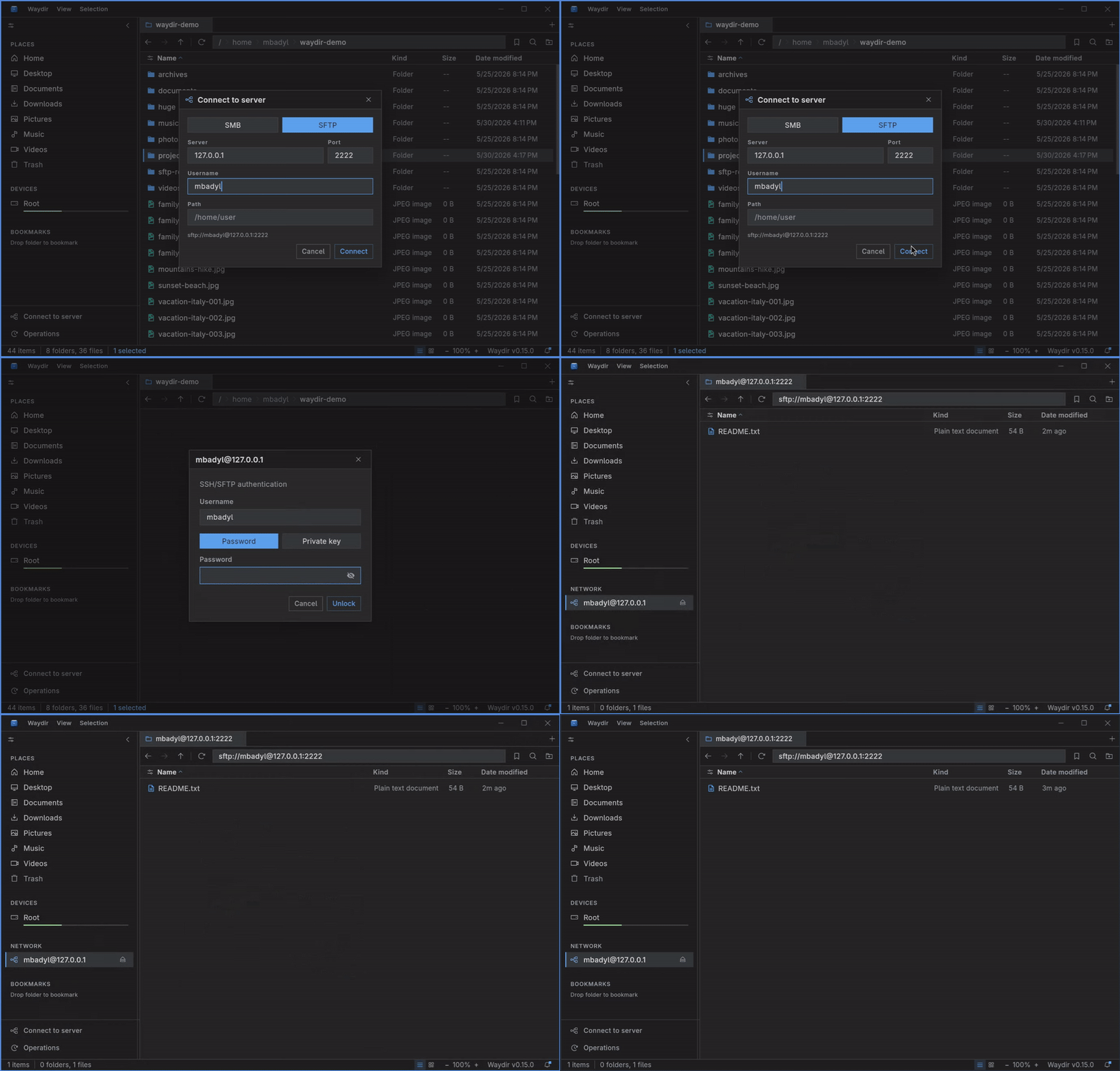
Remote locations sit in the sidebar and support browsing, search, copy, preview, and Open with.
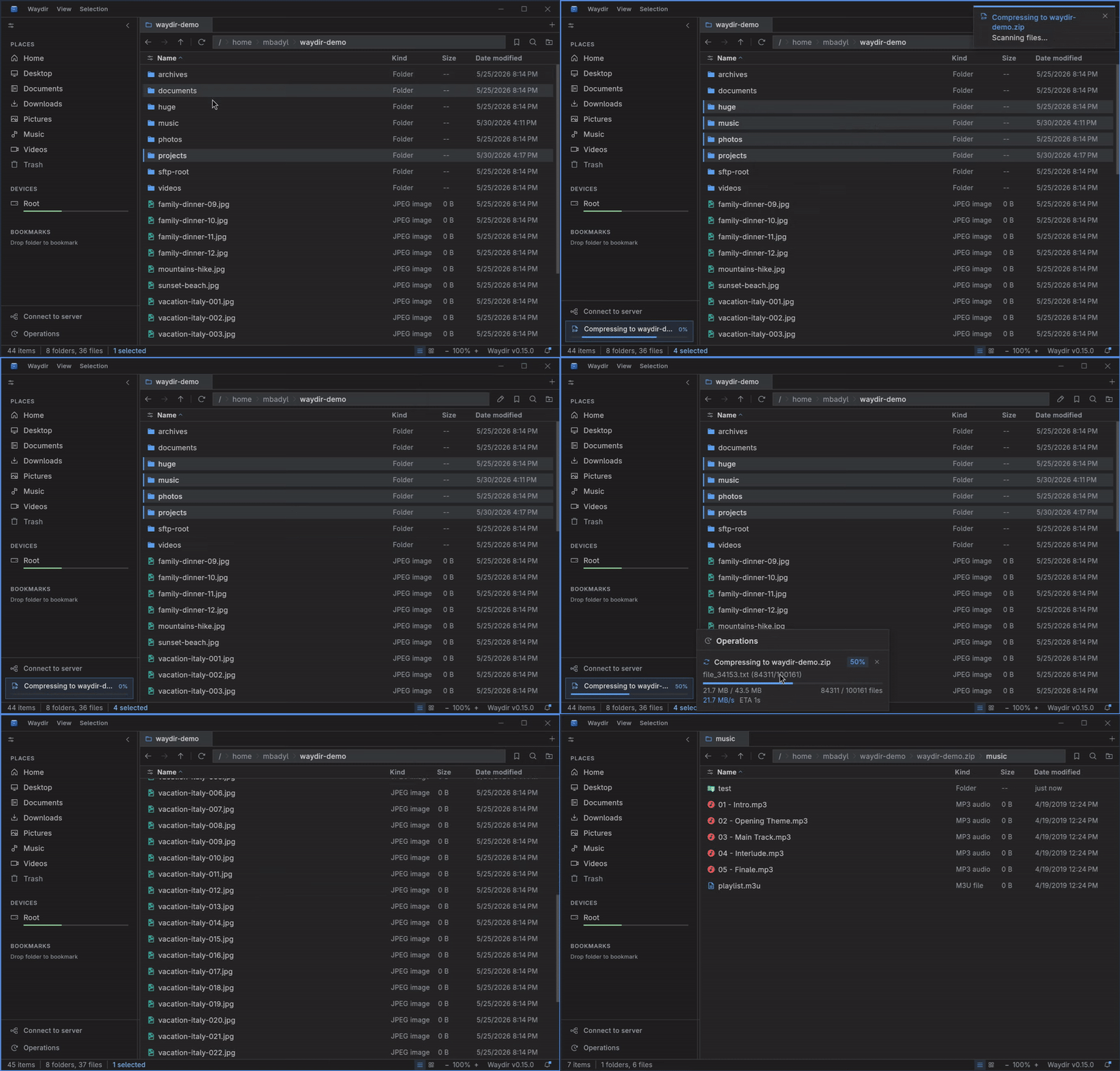
Browse ZIP and TAR archives like folders, then extract or create archives from the same workflow.
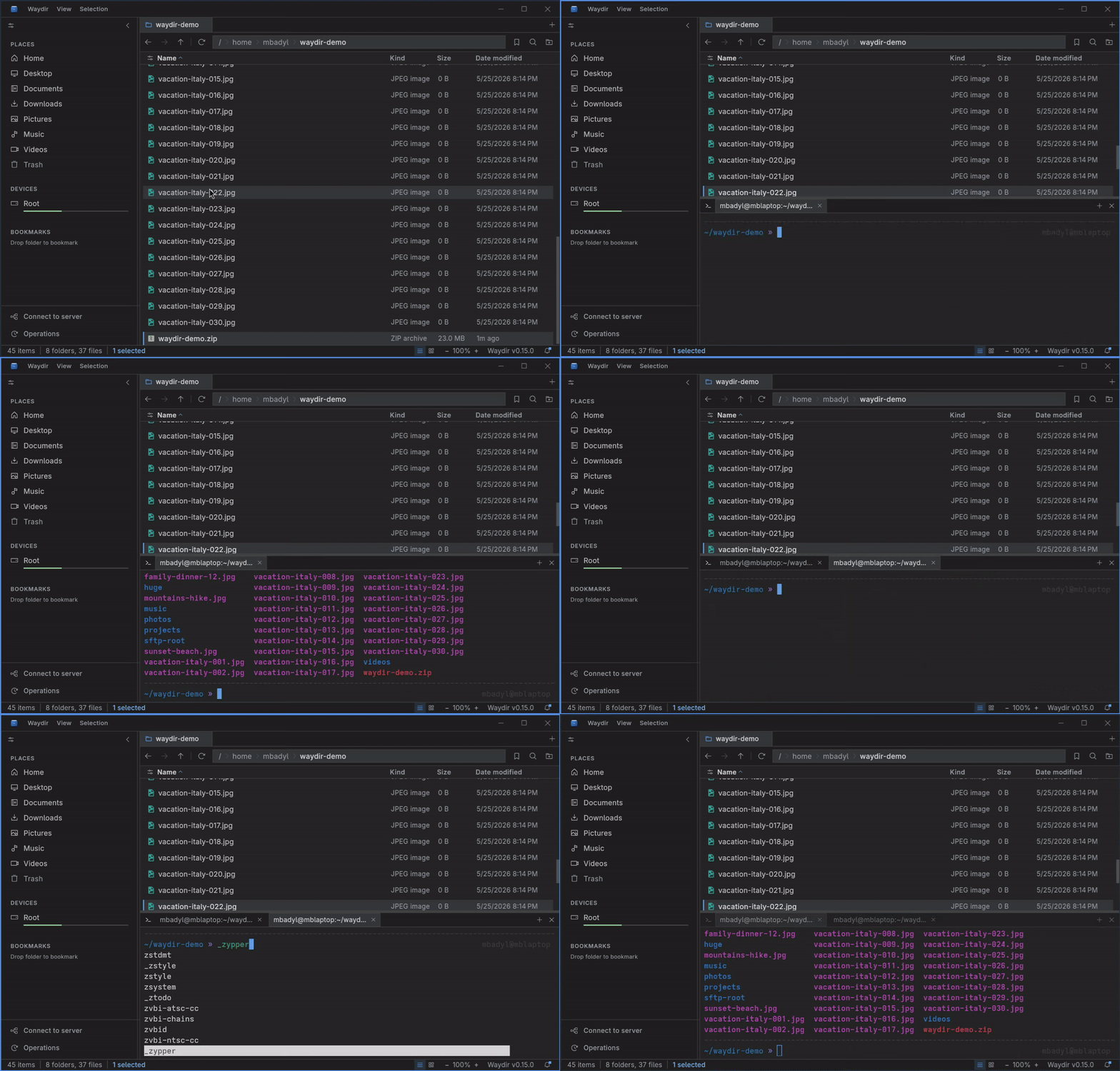
A real PTY in the current pane location, toggled with Ctrl+`, running your usual shell without leaving the keyboard.
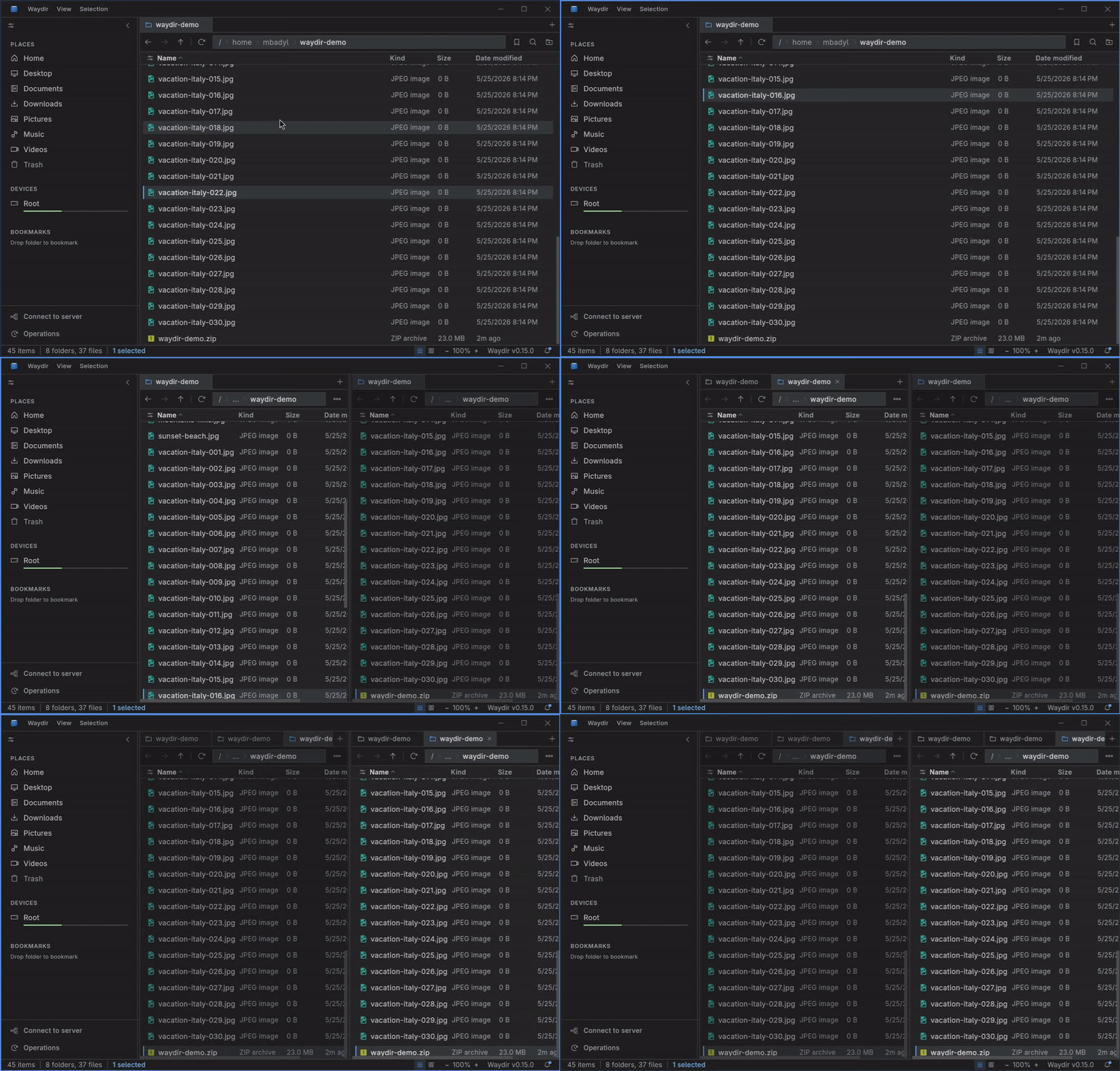
Keep multiple locations open in each pane and switch between them quickly.
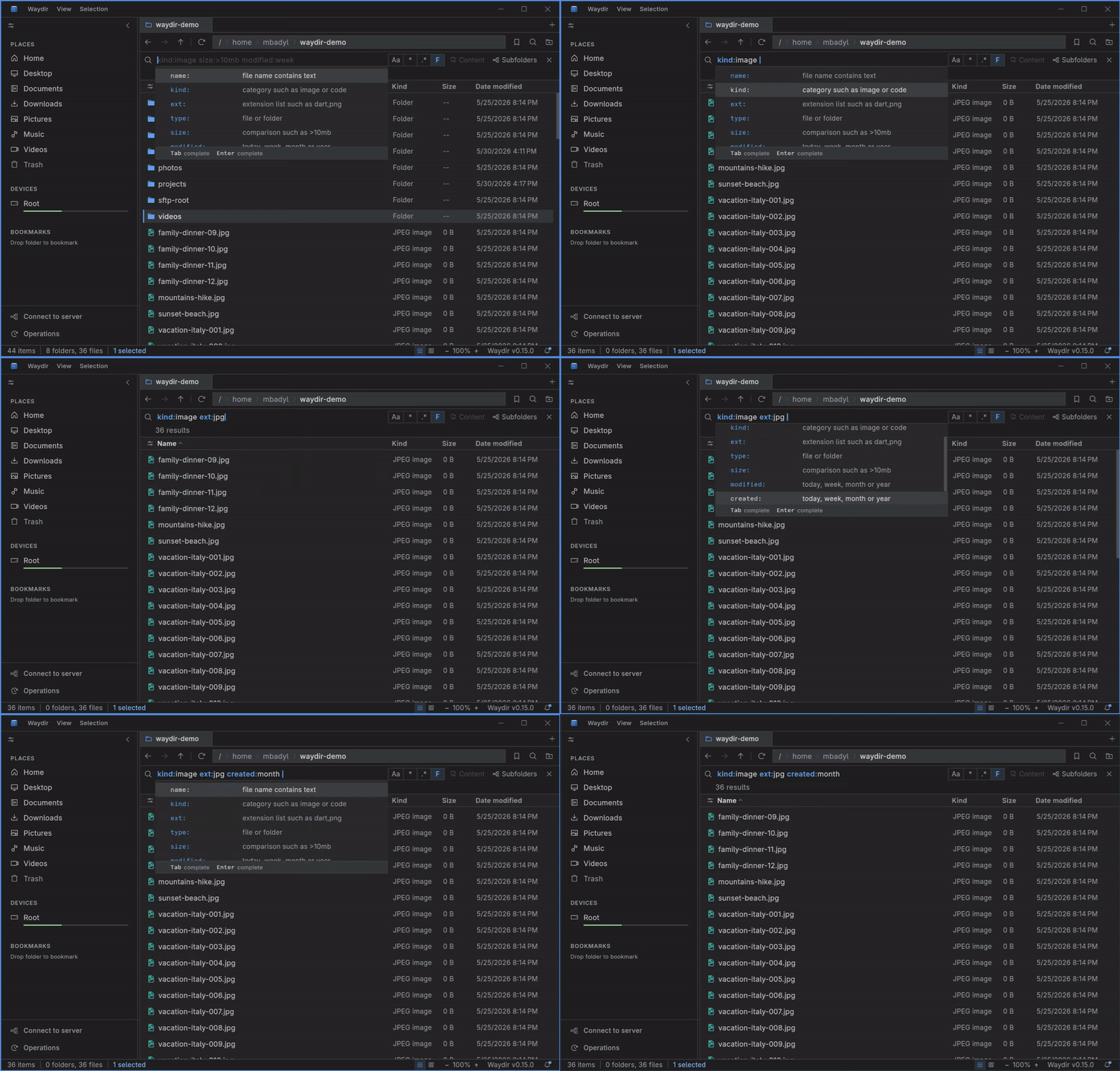
Filter the current view as you type to jump straight to the file or function you need.
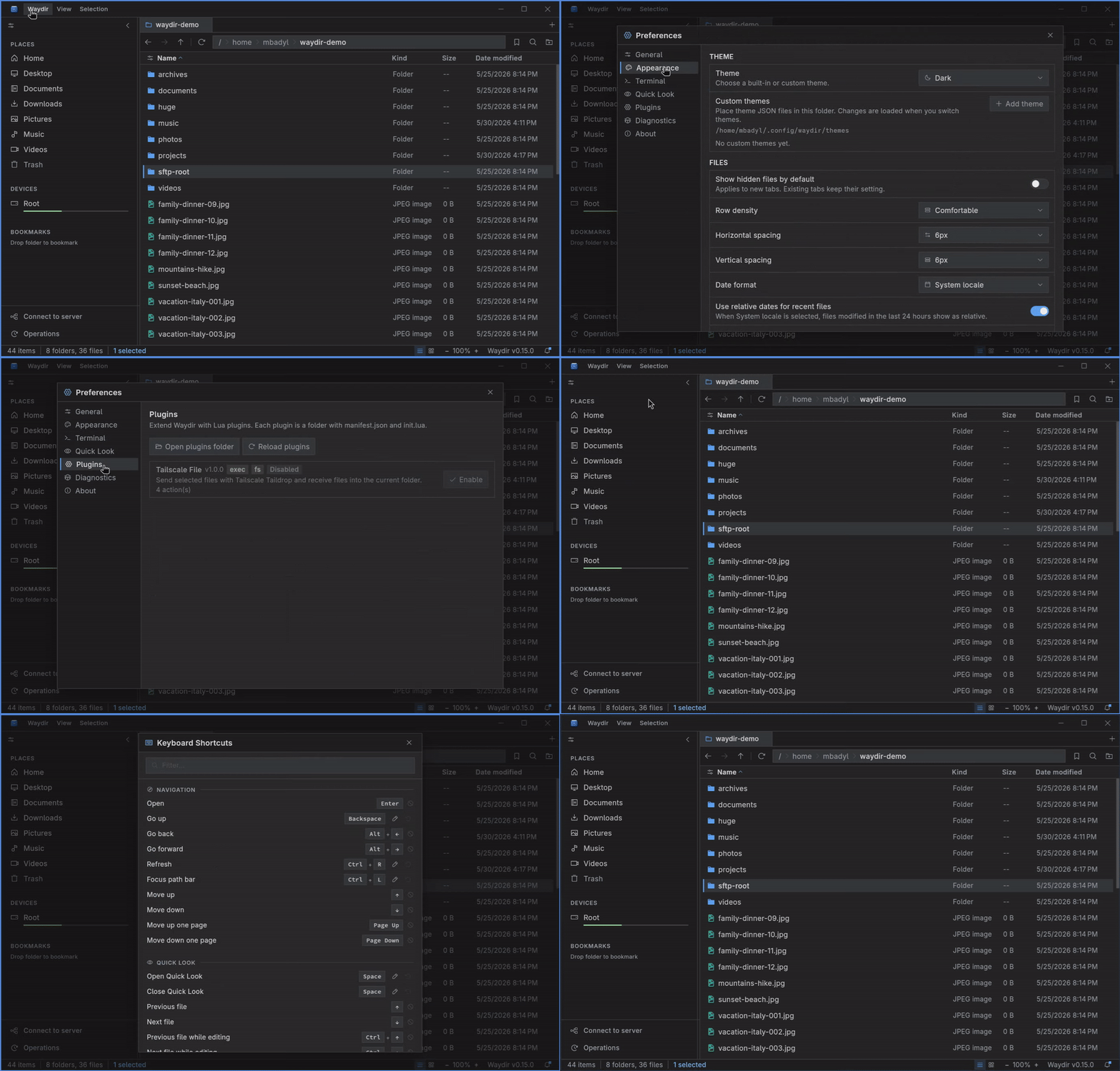
Tune the look and behaviour with themes and settings to fit your workflow.
Listing, recursive search, and trash run in a native Rust library, off the UI thread. 100k-file directories open without freezing.
Copy, move, and delete with conflict resolution and live progress. Trash-safe delete, cancellable mid-flight, with clipboard integration.
Favorites, devices, and pinned bookmarks in the sidebar. One key to the locations you use most.
SMB and SFTP mount, unmount, and reconnect from the sidebar. Pooled connections, off-thread transfers, and fine-grained progress.
Per-type default apps plus an Open with picker for everything else. Set it once, forget it.
Git status bar with branch switching and stash management, right where you work.
Light, Dark, and Nord themes plus custom themes via JSON. Configurable density, sort, hidden files, and date format.
One codebase, native desktop packages and portable archives for Linux, Windows, and macOS.
Free and open source under MIT. No tracking, no accounts, no phoning home.
All releases live on GitHub. Pick a package for your platform - MIT licensed, open source, no telemetry.